How to Store Your Seed Phrase Safely: A Beginner Guide
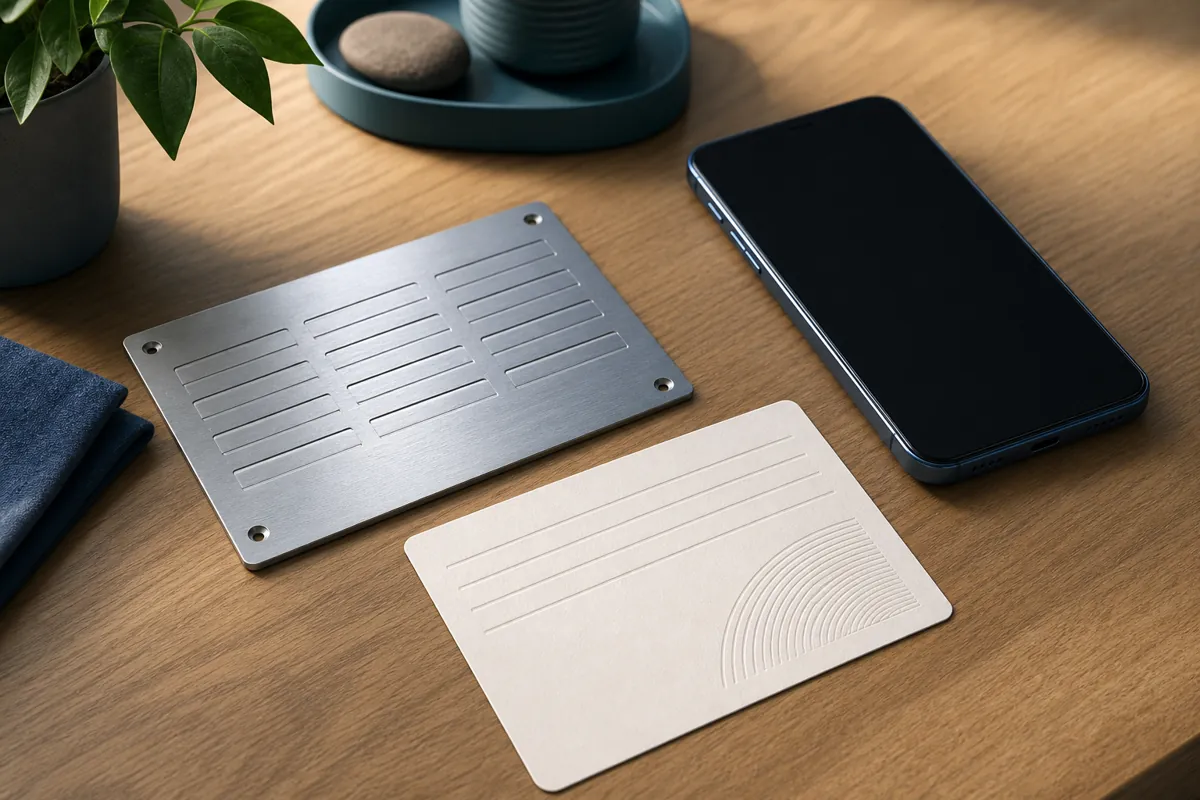
Table of Contents
When you create a crypto wallet to mint or hold NFTs, the app shows you a list of words, usually 12 or 24 of them. This is your seed phrase, sometimes called a recovery phrase. It is the single most important piece of information you own in crypto. If you understand nothing else about wallet security, understand this: whoever has your seed phrase controls your wallet, and losing it can mean losing access forever.
This guide explains what a seed phrase is, why it matters, and how to store it safely without overcomplicating things.
What a Seed Phrase Actually Is
A seed phrase is a human readable backup of the secret key behind your wallet. It follows a shared standard called BIP-39, which is why the same phrase can restore your wallet in many different apps. The words come from a fixed list of 2,048 English words, so spelling and order both matter.
From those words, your wallet mathematically derives every address and private key it manages. That is a helpful way to think about it: the seed phrase is the root, and your NFTs and tokens are the branches. Restore the root on a new device and everything grows back.
Two consequences follow from this. First, your seed phrase is not tied to one phone or one app. Second, anyone who copies those words can rebuild your wallet on their own device and move your assets. There is no support line that can reverse that.
Why It Deserves So Much Care
Traditional accounts have a reset button. If you forget a bank password, you prove your identity and get back in. Self custody crypto works differently. There is no company holding your assets and no reset flow. The seed phrase is both your password and your recovery method at the same time.
That design gives you full ownership, which is the point of self custody. It also puts the full responsibility on you. The two failure modes to plan for are simple to name: losing the phrase, and letting someone else see it.
The Core Rules
- Write it down offline. The safest copy is one that never touches the internet. Pen and paper is a reasonable start.
- Never type it into a website or a chat. A real wallet app asks for your seed phrase only when you are restoring a wallet, and never through a browser pop up or a message.
- Do not store it as a photo or plain text file. Screenshots, notes apps, cloud drives, and email are all places that sync, get backed up, and get breached.
- Make more than one copy. A single piece of paper can be lost in a fire, a flood, or a move. Two or three copies in separate places protect against accidents.
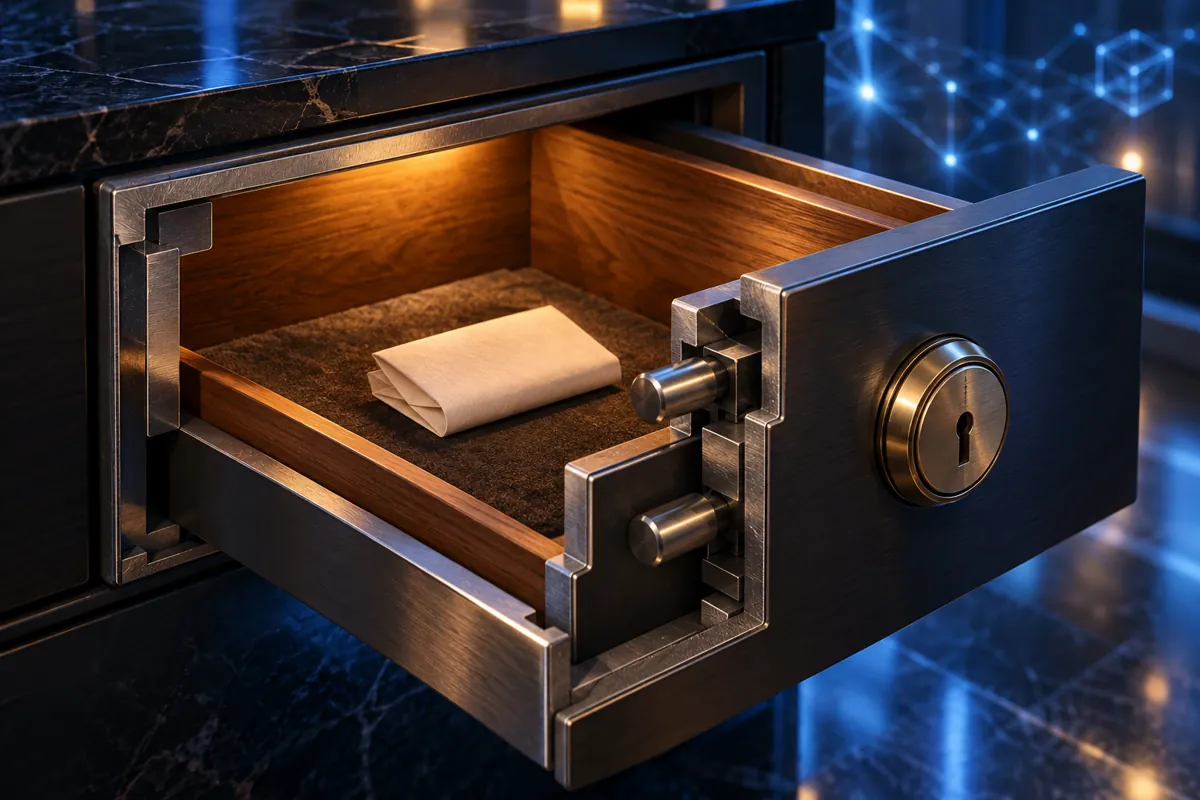
- Keep the copies apart. Storing every copy in one drawer defeats the purpose. Spread them across locations you trust.
Practical Storage Options
You do not need expensive gear to be safe, but it helps to match your effort to how much value you plan to hold.
Paper, stored well
Writing the words clearly on paper and keeping it somewhere dry and private is a fine baseline for small amounts. Double check the spelling and the order before you rely on it. Consider a sealed envelope so a casual glance does not reveal the words.
Metal backups
Paper burns and fades. Metal seed storage plates let you stamp or engrave the words into steel, which survives heat and water far better. For anyone holding meaningful value, this is a popular and durable upgrade.
Splitting the phrase
Some people store part of the phrase in one place and the rest in another, so no single location holds everything. This can reduce theft risk, but it also adds complexity and a new way to lock yourself out if one part is lost. Only do this if you have a clear, tested plan for putting the pieces back together.
Common Mistakes to Avoid
Most seed phrase losses come from a short list of avoidable habits. Being aware of them is half the battle.
- Saving it in the cloud. A phrase in cloud notes or photos is only as safe as that account, and those accounts are common targets.
- Sharing it to get help. No legitimate support agent, giveaway, or airdrop ever needs your seed phrase. A request for it is a scam, every time.
- Trusting fake wallet apps. Download wallets only from official sources, since fake apps exist to capture the words you enter.
- Never testing recovery. A backup you have never verified might contain a typo. If you can, practice restoring on a spare setup so you know your copy works.
- Telling people where it is. The location of your backup is itself sensitive. Keep that private too.
Seed Phrase, Private Key, and Password
These three terms get mixed up, so it helps to separate them. The seed phrase restores your whole wallet. A private key controls one specific address. The password or PIN you set on a wallet app protects that app on that device, but it does not replace the seed phrase, because someone with your words can ignore the app entirely and restore elsewhere. Protect the seed phrase with the most care, because it sits above the rest.
A Simple Routine
If you want a starting point, this routine works for most beginners. Write the phrase on paper as soon as you create the wallet. Check the words twice. Make a second copy and place it in a different trusted location. Confirm neither copy lives on any connected device. For larger holdings, add a metal backup later. Then leave it alone. A seed phrase you rarely touch is a seed phrase that is hard to lose or leak.
Getting Started With NFTs
Good seed phrase habits are the foundation that makes creating and minting NFTs feel calm instead of risky. Once your wallet is backed up safely, you are ready to make something. The Simple NFT Creator app lets you design and mint NFTs directly from your phone, with a straightforward flow for beginners. You can find it on the App Store and on Google Play. Set up your backup first, then create with peace of mind.