Hardware Wallets for NFTs: Why Cold Storage Security Matters
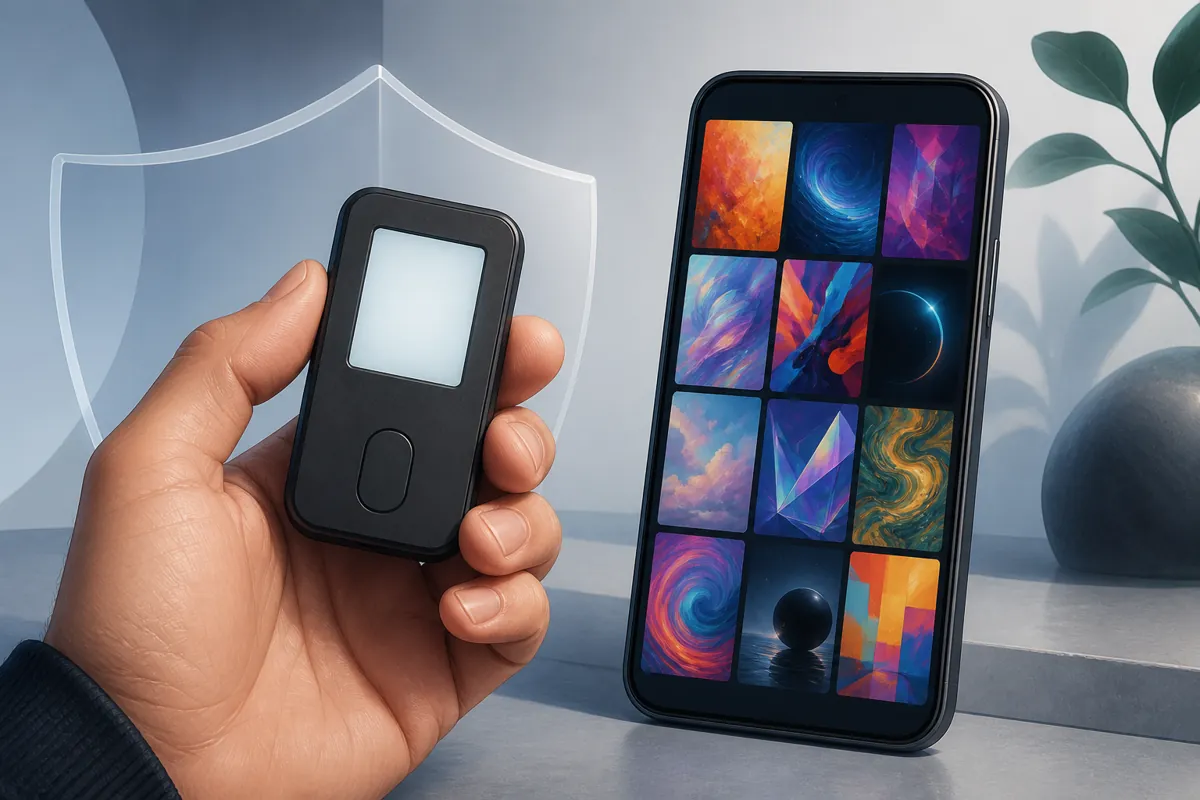
Table of Contents
If you have ever minted or bought an NFT, your private keys were probably sitting on your phone or in a browser extension. For everyday use that is convenient. But it also means anyone who gets access to that device, or tricks you into approving the wrong transaction, could move your NFTs out of your wallet. Hardware wallets exist to remove that single point of failure by keeping your private keys on a separate physical device instead of on the phone or computer you use every day.
What a Hardware Wallet Actually Does
A hardware wallet, sometimes called a cold wallet, is a small physical device that generates and stores your private keys inside a secure chip. The keys never leave the device, not even when you sign a transaction. Instead, your mobile wallet app or browser extension sends the unsigned transaction details to the hardware device, you review them on its screen, and the device signs the transaction internally before sending the signature back. Your keys stay offline the entire time.
This is different from a software wallet, such as a mobile app wallet, where the private key is encrypted and stored directly on your phone. Software wallets are convenient and fine for smaller collections or everyday minting, but the key material lives on a device that is connected to the internet, which is exactly what malware and phishing attacks target.
Cold Storage vs Hot Wallets
In crypto and NFT terminology, a wallet is generally described as either hot or cold:
- Hot wallet: connected to the internet, such as a mobile app or browser extension. Fast and convenient, but more exposed to remote attacks.
- Cold wallet: keys are generated and stored on an offline device. Signing still requires physically confirming the transaction on the hardware itself.
Most active NFT collectors end up using both. A hot wallet handles day to day browsing and small purchases, while a hardware wallet holds higher value pieces that do not need to move often.
How Hardware Wallets Connect to Mobile Apps
You do not need a desktop computer to use a hardware wallet with NFT apps. Most modern hardware wallets pair with mobile apps through Bluetooth or a companion app, and connect to NFT marketplaces and minting apps through WalletConnect, a protocol that lets a mobile wallet approve transactions requested by another app without exposing the private key. In practice this means you can browse a collection or start a mint on your phone, and the actual signing happens on the separate hardware device in your hand.
Support varies by brand and model, so it is worth checking whether a specific hardware wallet has an iOS or Android companion app, and whether it connects wirelessly or requires a cable, before relying on it for mobile minting.
When a Hardware Wallet Is Worth It
Cold storage is not necessary for everyone. It adds a small amount of friction to every transaction, since you have to physically confirm each one on the device. That tradeoff makes sense in a few common situations:
- You hold NFTs with meaningful resale or sentimental value that you do not plan to move frequently.
- You mint or trade often enough that a phishing mistake or malware infection is a real risk over time.
- You manage a wallet that also holds valuable tokens, not just NFTs.
- You want a long term storage wallet separate from the one you use to browse dapps and try new mints.
If you are just getting started, minting your first few pieces, or working with lower value experimental drops, a well secured mobile wallet is a reasonable place to begin. You can always move a collection to cold storage later.
Setting Up a Hardware Wallet the Right Way
The security benefit of a hardware wallet depends entirely on how it is set up and used:
- Buy directly from the manufacturer or an authorized reseller. Devices bought secondhand or from unverified sellers can be tampered with before they ever reach you.
- Generate your own seed phrase on the device. Never use a wallet that arrives with a seed phrase already written down or pre-set. That device is not secure.
- Write the recovery phrase down on paper or metal, never digitally. Do not photograph it, type it into a notes app, or store it in cloud storage.
- Verify transaction details on the device screen. The whole point of cold storage is that you can see and confirm what you are actually signing, so read it before approving.
- Keep the device’s firmware updated through the manufacturer’s official app only.
What a Hardware Wallet Does Not Protect Against
Cold storage is a strong defense against remote attacks like malware and browser exploits, but it is not a complete answer to every risk. If you sign a malicious transaction, for example one that grants an unlimited token approval to a scam contract, the hardware wallet will still sign it correctly because you approved it. The device confirms what you tell it to sign; it does not judge whether the transaction itself is safe. Reading what is actually on the device screen before confirming, rather than clicking through quickly, is what makes cold storage effective.
Physical security also matters. A hardware wallet without its recovery phrase is nearly impossible to restore if lost or damaged, and a lost or stolen device combined with a leaked recovery phrase can still be compromised. Cold storage shifts the main risk from remote hacking to physical safekeeping.
Getting Started
You do not need a hardware wallet to start creating and minting NFTs. Many collectors begin with a mobile wallet, get comfortable with the process, and move to cold storage once their collection grows in value. If you are ready to create your first NFT, the Simple NFT Creator app, available on the App Store and Google Play, walks you through minting from your phone with support for connecting the wallet setup that fits where you are in your NFT journey.