What Is IPFS Pinning? Keeping Your NFT Files Online
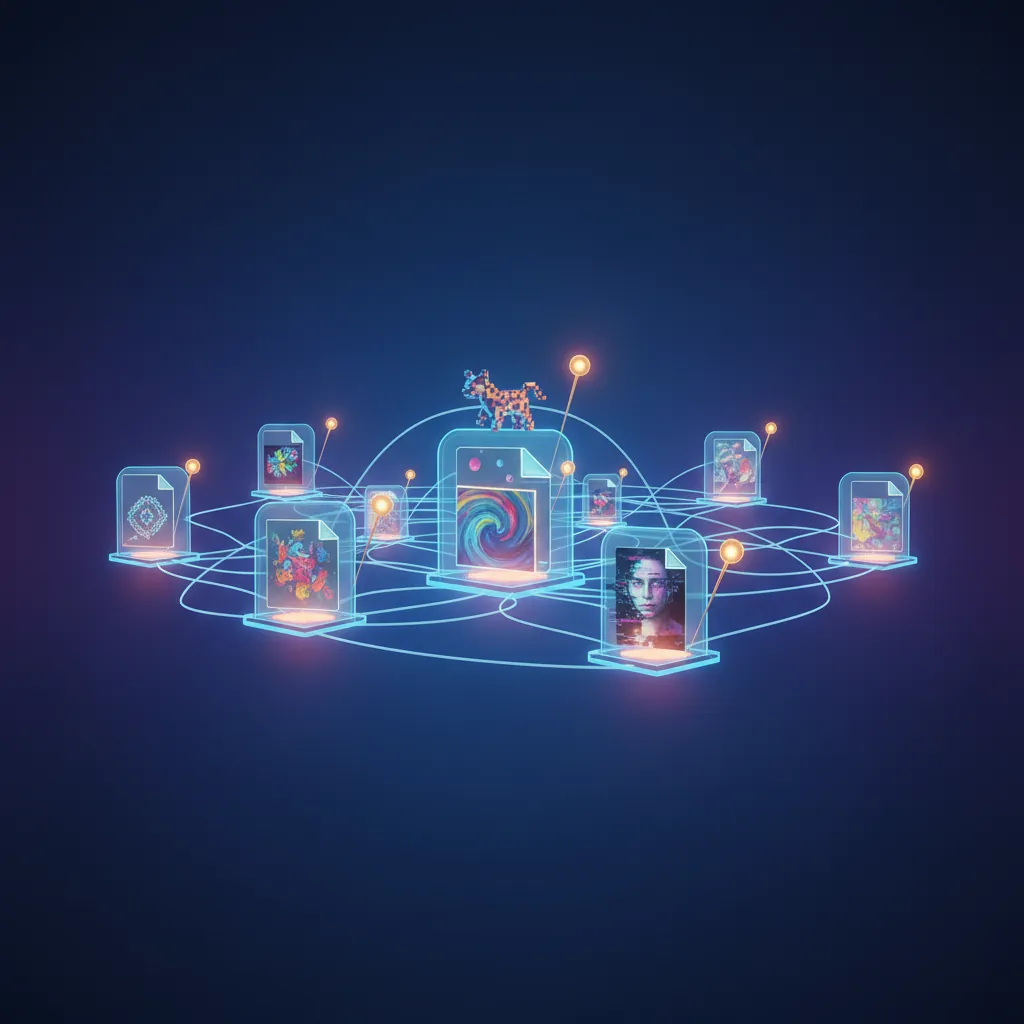
Table of Contents
What Is IPFS Pinning?
When you mint an NFT, the token itself lives on the blockchain, but the image and metadata that make it recognizable usually do not. Most creators store those files on the InterPlanetary File System, known as IPFS, a network where files are addressed by their content rather than by a server location. Pinning is the process of telling one or more computers on that network to keep a copy of your file available, instead of letting it disappear once nobody happens to be hosting it.
Without pinning, an IPFS file can technically still exist, but there is no guarantee any computer is actively storing and serving it. Pinning turns “this file could be found” into “this file is being kept online by someone.”
Why Pinning Matters for NFTs
IPFS is a peer to peer network. Files are only retrievable as long as at least one node on the network is storing them and choosing to share them. If every node that once held a copy of your image goes offline or clears its cache, the file becomes unreachable, even though the address, called a content identifier or CID, still points to it correctly.
This matters for NFTs because the token’s metadata typically contains a link to that CID. If the file behind the link disappears, the NFT can end up showing a broken image on marketplaces and wallets, even though the token itself is completely intact on chain. The blockchain record does not change, but the visual experience of owning that NFT does.
Pinning is what keeps that link meaningful over time. It is the practical difference between an NFT that displays correctly years later and one that quietly turns into a blank thumbnail.
How Pinning Works Behind the Scenes
When a file is uploaded to IPFS, it is broken into chunks and given a unique CID based on its content. Any node that wants to help keep the file alive can “pin” it, which tells that node’s software not to remove the file during routine cleanup. A file pinned by only one node is fragile. A file pinned by several independent nodes, in different locations, is much more resilient, since the file survives as long as any one of them stays online.
Most NFT creators do not run their own IPFS node. Instead, they rely on a pinning service, a company that runs nodes on their behalf and guarantees the file will stay pinned for as long as the account is active or the file has been paid for.
Pinning Services vs Running Your Own Node
There are two common approaches:
- Pinning services. These are hosted platforms that store and pin your files for you, usually with a free tier for small amounts of data and paid plans for larger collections. This is the most common route for individual creators and small projects, since it requires no server maintenance.
- Self hosted nodes. Some creators, particularly larger studios or collections with long term commitments to their community, run their own IPFS nodes or pay for dedicated infrastructure. This gives more control but also more responsibility, since uptime becomes the creator’s job.
Many serious NFT projects use both at once. A pinning service acts as the reliable default, while a self hosted node or a second, independent pinning service acts as a backup in case the first one has an outage or shuts down.
What Happens If a File Is Not Pinned
If nobody pins a file, it does not vanish immediately. IPFS gateways may still be able to fetch it for a while if a node happens to be caching it. But there is no guarantee, and over time, as caches clear and nodes rotate, an unpinned file becomes less and less likely to load. This tends to show up gradually rather than all at once: an image might load slowly, then intermittently, then not at all.
This is different from data stored on a traditional web server, where a file stays online as long as someone is paying the hosting bill. On IPFS, paying for hosting and pinning are two separate things, and skipping the second one is a common mistake for creators who are new to decentralized storage.
Best Practices for NFT Creators
- Pin both the image file and the metadata JSON file, not just one of them. A broken metadata link causes the same display problem as a broken image link.
- Use a reputable pinning service with a track record, and check whether its free tier has a time limit or storage cap that could affect your collection later.
- Consider pinning important files in more than one place. Redundancy is what actually protects against a single service going out of business.
- For long term archival, some creators also store a copy on Arweave, a network designed for one time, permanent storage payments rather than ongoing pinning.
- Check your files periodically through an IPFS gateway to confirm they still load, especially for older collections you have not touched in a while.
Pinning is one of those details that is easy to overlook during the excitement of minting, but it directly affects whether an NFT looks the same in five years as it does on day one. Treating it as part of the minting process, not an afterthought, is the simplest way to protect the value and integrity of what you create.
If you are getting ready to mint, the Simple NFT Creator app handles the technical steps of preparing and uploading your files, so you can focus on the creative side. It is available on the App Store and Google Play.