Seed Phrase Security: How to Back Up Your NFT Wallet
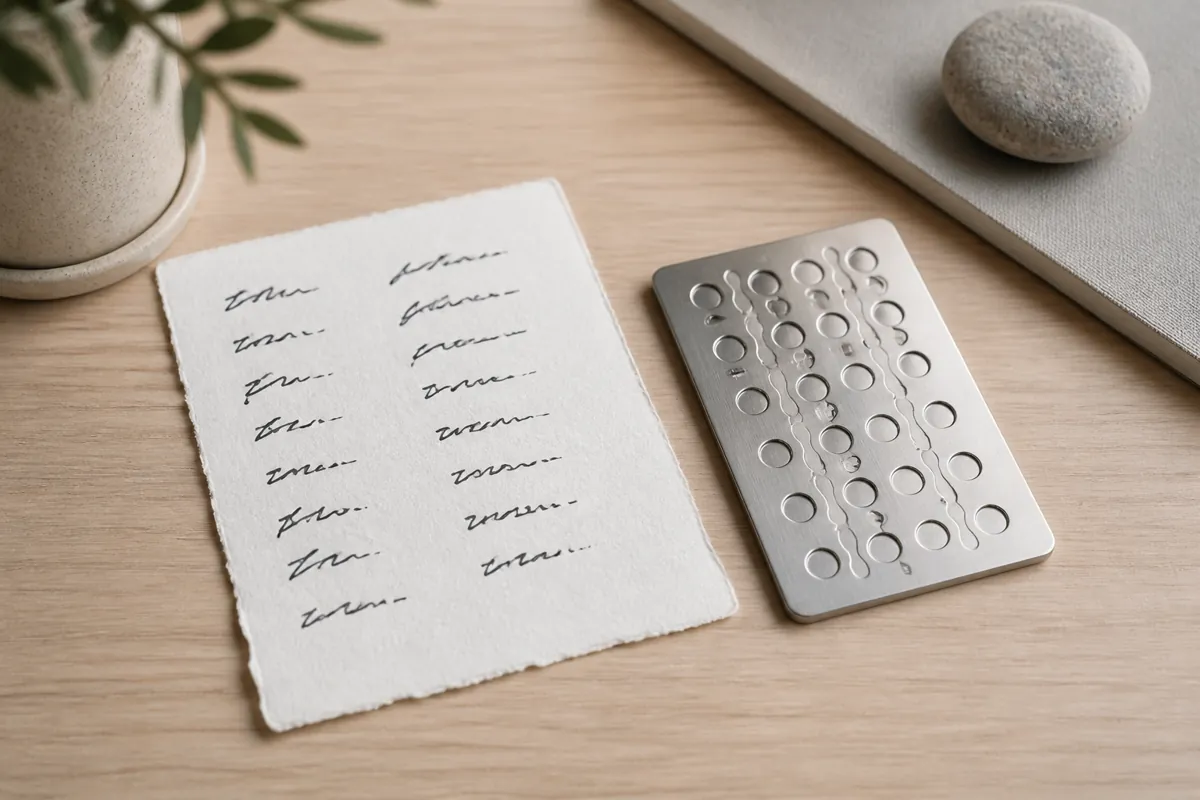
Table of Contents
What a Seed Phrase Actually Is
When you set up a crypto wallet to mint or hold NFTs, the app shows you a list of twelve or twenty four ordinary words. That list is called a seed phrase, or recovery phrase. It is not a password you chose. It is a human readable version of the cryptographic key that controls everything in that wallet: your NFTs, your tokens, and any funds you send there.
Anyone who has the words has the wallet. There is no separate login step, no email reset, and no customer support line that can undo a transfer once someone else has typed those words into their own wallet app. That single fact should shape every decision you make about where the phrase lives.
Why It Is Not Like a Normal Password
Most online accounts let you recover access if you forget a password: a reset link, a support ticket, an identity check. Wallets built on public blockchains do not work that way. The network does not know who you are, only that whoever holds the correct key can move the assets tied to it.
This cuts both ways. On one hand, nobody can freeze your wallet or lock you out for “suspicious activity.” On the other hand, if the phrase is lost, the assets are gone for good, and if someone else copies it, they can move everything out before you even notice. There is no undo button on either side.
Common Backup Mistakes
Most losses do not come from clever hacking. They come from ordinary habits that feel convenient in the moment:
- Photographing the words. A screenshot saved in a camera roll often syncs automatically to a cloud photo library, where it can be reached by anyone who compromises that cloud account.
- Saving it in a notes app or email draft. These are searchable, frequently synced across devices, and rarely encrypted in a way that protects against a compromised account.
- Typing it into a website. A legitimate wallet only ever asks for a seed phrase inside its own official app during setup or recovery, never through a support chat, a browser popup, or a “verify your wallet” form.
- Keeping only one copy. A single paper copy can be lost in a move, damaged by water, or thrown out by accident, with no way to recreate it afterward.
Practical Ways to Store It Safely
Write it down, offline, more than once
The most reliable method is still the simplest: write the words on paper by hand, in order, and store that paper somewhere physical rather than digital. Keeping two copies in separate locations protects against fire, flooding, or a single point of failure at home.
Consider a metal backup for long term storage
Paper degrades and can burn. For a wallet you plan to hold for years, a metal seed phrase plate (stamped or engraved) is a low cost way to protect against fire and water damage. These are widely sold by hardware wallet makers and are not tied to any single wallet brand.
Splitting the phrase
Some people split a seed phrase across two locations, so no single location holds the complete set of words. This adds protection against theft of one copy, but it also adds a real risk of losing part of the phrase and being unable to reassemble it. Only do this if you are confident you can track both parts reliably.
Be cautious with password managers and cloud notes
A reputable, encrypted password manager is a reasonable option for lower value wallets, but it ties the wallet’s security to the security of that account. For a wallet holding anything you would be upset to lose, an offline copy is still the safer baseline.
If You Suspect the Phrase Was Exposed
If you ever type your seed phrase into the wrong place, lose a device that had it stored digitally, or simply suspect someone else may have seen it, treat the wallet as compromised. The safest response is to create a brand new wallet with a freshly generated phrase, then move any NFTs and tokens to that new wallet as soon as possible. Continuing to use a wallet after a suspected exposure only gives an attacker more time to act first.
A Quick Checklist Before You Mint
- Your seed phrase exists on paper or metal, not only as a screenshot or note.
- You have at least two copies, stored in different physical locations.
- No copy of it exists in cloud storage, email, or a messaging app.
- You have tested that you can actually read your own handwriting or engraving months later.
- You know that no legitimate app, marketplace, or support agent will ever ask you to type it in outside of wallet setup or recovery.
None of this requires technical expertise, just a few minutes of care before you start minting. Once your wallet is backed up properly, you can focus on the part that is actually fun: creating and minting your work. The Simple NFT Creator app makes that next step straightforward, with a guided minting flow available on both the App Store and Google Play.