What Is WalletConnect? Connecting Your Wallet to NFT Apps
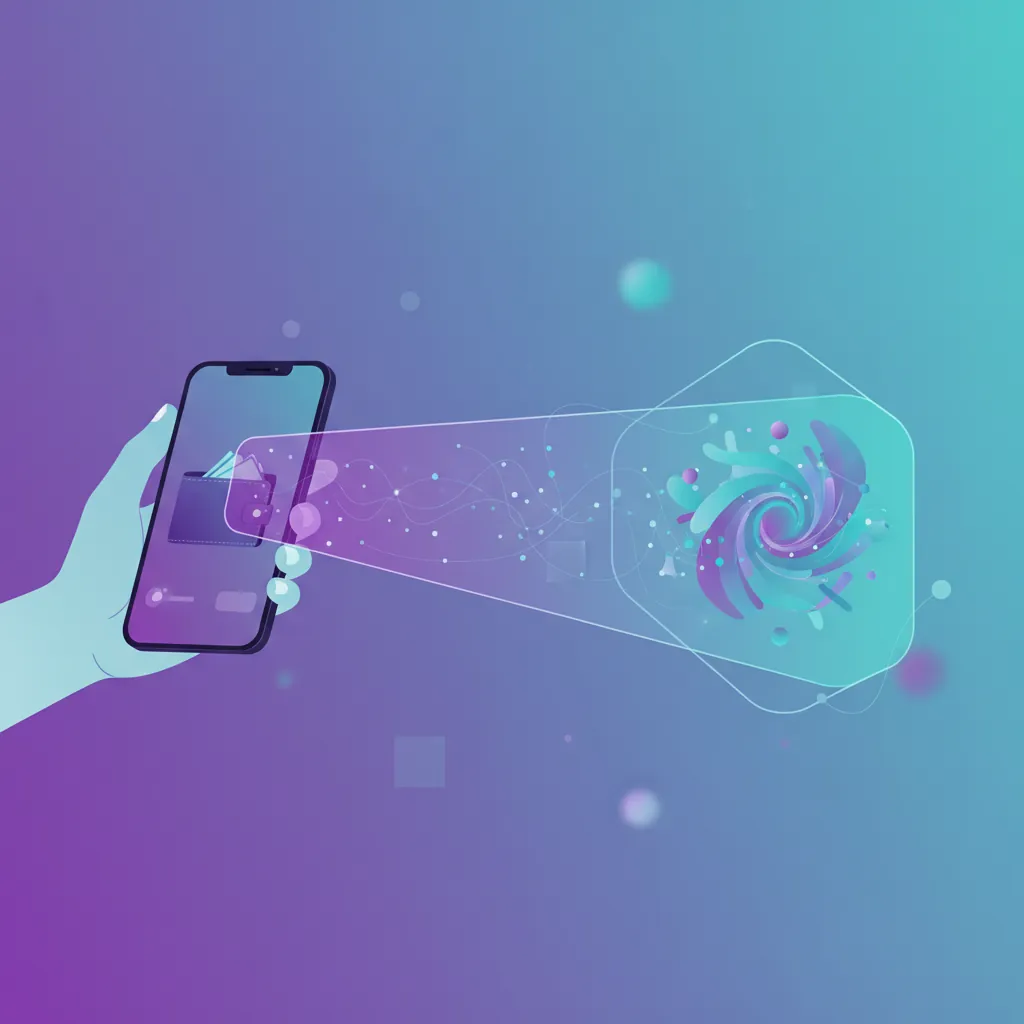
Table of Contents
If you have ever tried to mint an NFT from your phone, you have probably seen a button that says “Connect Wallet” followed by a list of wallet names and a small QR code. Behind that screen is usually a protocol called WalletConnect. Understanding what it does, and just as importantly what it does not do, makes connecting to NFT apps calmer and safer.
What WalletConnect Actually Is
WalletConnect is an open protocol that lets a wallet app talk to another app or website without the two having to live on the same device. Your wallet holds your private keys. The NFT app or marketplace wants to read your public address and ask you to approve actions. WalletConnect is the messenger between them.
The company behind the protocol now operates under the name Reown, and you may see both names in documentation and developer tools. For everyday users the important point is the same: WalletConnect is a connection layer, not a wallet and not a place where your assets are stored.
How a Connection Works Step by Step
The process looks the same across most apps, even though the screens differ.
- The app creates a connection request. It generates a WalletConnect link, which is shown as a QR code on a desktop screen or as a button that opens your wallet directly on a phone (a deep link).
- Your wallet receives the request. You scan the QR code or tap the button, and your wallet app opens with a session proposal.
- You review what is being asked. The proposal typically lists the app name, its web address, the networks it wants to use, and the kinds of requests it may send.
- You approve or reject. If you approve, an encrypted session is created between the app and your wallet.
- Later requests arrive one at a time. When the app wants a transaction or a signature, your wallet shows it and you confirm or decline each one.
Messages between the app and your wallet are end to end encrypted. They pass through relay servers that forward the data, but the relay is not meant to read the contents. If your phone is offline for a moment, encrypted messages can wait until it reconnects.
What a Connection Can and Cannot Do
This is the part that clears up most of the worry beginners feel.
What it can do
- Share your public wallet address with the app.
- Tell the app which network your wallet is using, such as Ethereum, Base, or Polygon.
- Send you requests to sign messages or approve transactions.
What it cannot do
- It does not move your private keys or seed phrase to the app. Those stay in your wallet.
- It does not let the app spend or transfer your NFTs on its own. Every transaction still needs your explicit approval in the wallet.
That said, a connection is not risk free. It is the doorway through which a malicious site can send you a harmful request. The protocol protects the channel, but it cannot judge whether the request itself is a good idea. That judgment is yours.
Common Ways Connections Go Wrong
- Fake sites and lookalike domains. A scam page can show a real looking QR code. Always check the web address in the connection proposal against the site you meant to visit.
- Approval prompts you do not understand. A request to approve access to all of your NFTs in a collection is very different from a request to sign a simple login message. If the wallet screen is unclear, decline and investigate. Our guides on wallet signature requests and token approvals explain what to look for.
- QR codes from strangers. Never scan a connection code sent to you by a stranger, or one that appears in a direct message, an unexpected email, or a fake support chat.
- Forgotten sessions. Sessions can stay active after you close the app. An old session is less dangerous than a stolen key, but there is no reason to leave doors open.
Good Habits for Everyday Use
- Start from a bookmark or the official app. Do not reach a marketplace through an advertisement or a link in a message.
- Read every prompt. Confirm the network, the address you are interacting with, and any fee shown. If something does not match what you intended, reject it.
- Disconnect when you are done. Most wallets have a connected apps or sessions screen where you can remove active connections. Make a quick cleanup part of your routine.
- Use a separate wallet for experiments. If you are trying a new app, a wallet with only a small amount in it limits the consequences of a mistake. Keeping valuable pieces in a hardware wallet adds another layer.
- Never share your seed phrase. No legitimate connection flow asks for it. Our guide to seed phrase security covers safe backups.
When a Connection Will Not Work
Connection problems are usually ordinary and fixable. The QR code may have expired, so refresh the page and scan again. Your wallet app may be out of date, so update it. The wallet may be set to a network the app does not support, so switch networks and retry. A poor internet connection on either device can also interrupt the handshake. If a session behaves strangely, remove it from your wallet and start a fresh one rather than approving repeated prompts.
The Takeaway
WalletConnect is a convenient and widely used way to link a mobile wallet to NFT apps while your keys stay under your control. It works well when you treat each connection as a deliberate decision: verify the site, read the request, approve only what you understand, and disconnect when finished.
If you want to try the process on a small scale, Simple NFT Creator lets you create and mint NFTs from your phone, and it is available on the App Store and Google Play. A test mint with a small amount is a comfortable way to get familiar with how wallet connections feel before you do anything larger.