Hardware Wallets for NFTs: What They Actually Protect
Table of Contents
What a Hardware Wallet Actually Does
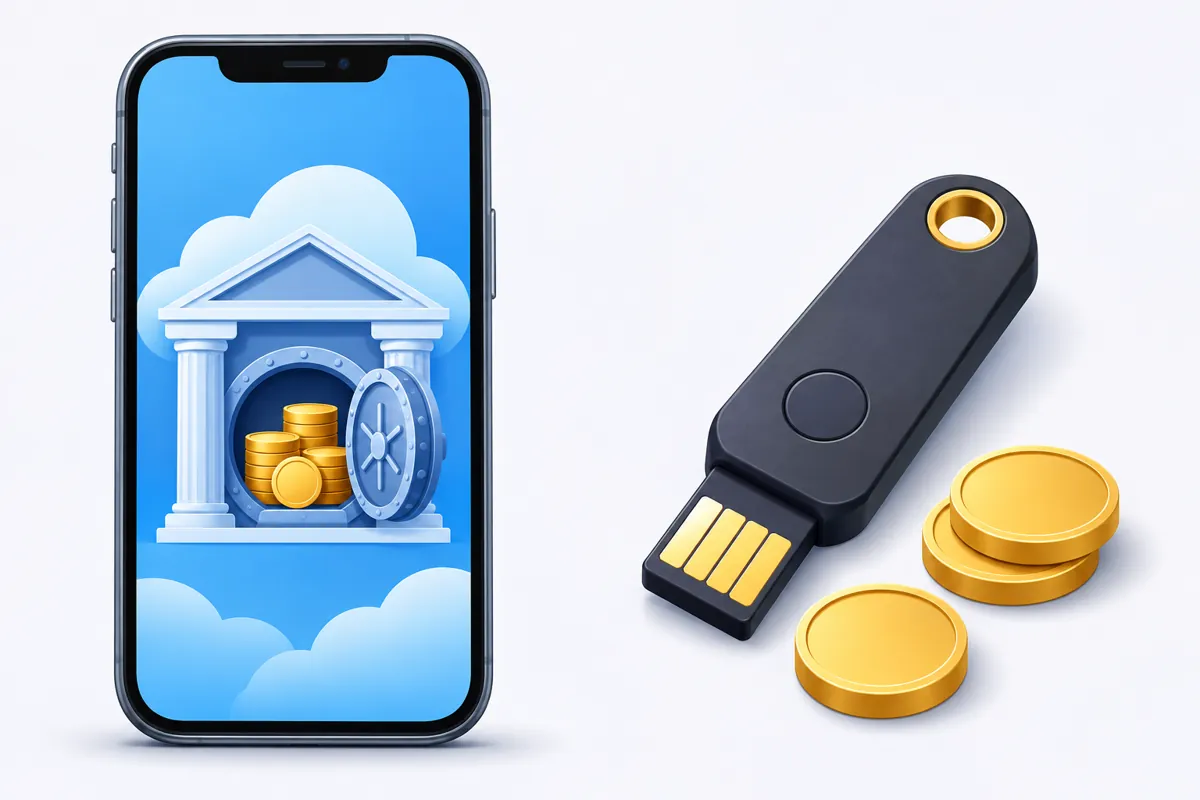
A hardware wallet is a small physical device that stores your private keys offline and signs transactions on its own screen, separate from your phone or computer. When you mint or send an NFT, the transaction details travel from your app to the device, you confirm them on the device itself, and only the signed result goes back out. The private key never touches your phone, your browser, or the internet.
This matters because most NFT losses do not come from a broken blockchain. They come from a stolen or leaked private key. A phone that gets malware, a seed phrase typed into the wrong website, or a fake app that copies your clipboard can all hand your keys to someone else. A hardware wallet removes the key from that exposed environment entirely.
Why NFT Collectors Consider One
For someone who mints a single low value piece as a hobby, a standard mobile wallet is usually fine. The calculation changes once a wallet starts holding NFTs you would be genuinely upset to lose: a collection with sentimental value, a profile picture project you are active in, or pieces worth more than you would want to risk on a phone that could be lost, stolen, or infected.
Hardware wallets also help separate roles. Many collectors keep a small, disposable hot wallet on their phone for everyday minting and marketplace browsing, then move anything valuable to a hardware wallet used only for storage. If the hot wallet is ever compromised, the hardware wallet and its contents stay untouched because its keys were never exposed to begin with.
Blind Signing: The Limit Hardware Can’t Fully Fix
Hardware wallets are not a complete solution on their own, and it is worth understanding why. Many NFT transactions, including mints, marketplace listings, and approvals, are built from complex contract data. Older or simpler devices often cannot fully decode that data, so they show you a string of raw bytes instead of a plain description of what you are approving. Signing without understanding what you are approving is called blind signing, and it is one of the main ways collectors get drained even while using a hardware wallet correctly.
The specific risk to watch for is an approval type called setApprovalForAll. A single blind signature on this type of request can hand a contract permission to move every NFT in that wallet, not just one. Newer wallet software and some devices now parse common transaction types and show a human readable summary before you sign, an approach generally called clear signing. Coverage is improving but still inconsistent across wallets and dapps, so the safest habit is to treat any unfamiliar approval request as worth pausing on, regardless of what device you are using.
Practical Habits That Matter More Than the Device
A hardware wallet reduces one category of risk. It does not protect you from approving something you did not actually read. A few habits close most of the remaining gap:
- Read what you are signing. If a wallet prompt only shows a function name and a long string of data, slow down before confirming.
- Avoid unlimited token or collection approvals when a marketplace offers a choice. Approve only what a transaction actually needs.
- Check your existing approvals occasionally using a reputable approval checker, and revoke anything you no longer use.
- Verify the contract address and website before connecting a wallet, especially when following a link from social media or a direct message.
- Keep your hardware wallet’s firmware and companion app updated, since clear signing support improves over time.
Using a Hardware Wallet With a Mobile Minting App
Most hardware wallets connect to mobile apps through a protocol called WalletConnect, which creates a secure link between the app and the wallet without exposing your keys. In practice, this means you can browse and prepare a mint from your phone, then approve the actual signature on the hardware device. The connection itself is generally safe, but it is still a software link between two systems, so the same caution applies: confirm that you are connecting to the dapp you intended, and read the request shown on the device screen rather than approving on autopilot.
It is worth being honest about the tradeoff. A hardware wallet adds a step to every transaction and a device to keep track of. For a casual collector minting occasional pieces, a well maintained mobile wallet with good habits may be enough. For anyone holding a collection they would not want to lose, the extra step is a small price for keeping the keys off a device that is online all day.
Getting Started
If you decide a hardware wallet makes sense for you, buy directly from the manufacturer or an authorized retailer, never from a marketplace listing or a reseller you cannot verify, since tampered devices are a known scam vector. Set it up yourself, generate your own seed phrase on the device, and never enter that phrase into a phone, computer, or website under any circumstance. From there, connect it to your mobile wallet of choice and use it for the pieces that matter most to you.
Whichever setup you choose, the Simple NFT Creator app works with standard mobile wallets for minting on both iOS and Android, so you can start creating and collecting at whatever level of security fits your collection.